Error 4013 usually means the Mac is losing communication with the iPhone during the update or restore.
I’d try a different USB cable and a different USB port on the Mac first, with the iPhone connected directly and no hub or adapter in between. Apple also recommends trying another computer if possible. If you see error 9, 4005, 4013, or 4014 when you restore your iPhone, iPad, or iPod touch - Apple Support
One important point: if Finder gives you a choice between Update and Restore, try Update first. That attempts to reinstall iOS without erasing the iPhone. Restore erases the device, so I wouldn’t choose that unless you have a backup or you’re prepared to lose any data that isn’t backed up.
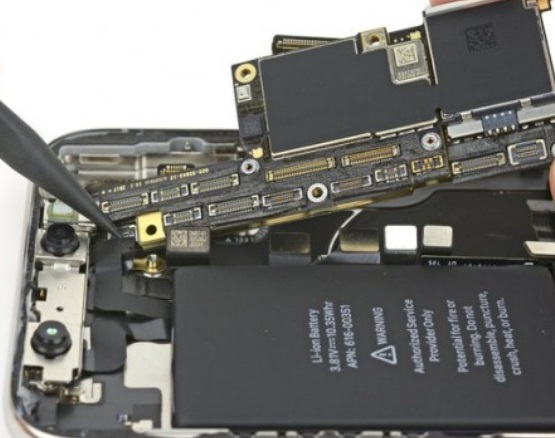
If error 4013 keeps returning with another cable/port or another Mac, that can point to a hardware issue, and I’d have Apple or an authorized service provider inspect the iPhone.
A friendly note: This is the German-language Apple Support Community. Posting your question in German will make it easier for more members to understand it and offer assistance.