Cannot update to ios16.6.1 in my iphone 11 renewed
I cannot update to iOS 16.6.1 in my iPhone 11 renewed that I just bought 3 days ago. Since then I tried to update it 5-6 times and I am still not able to complete the process. Each try takes 1.5 hours or more, and always ends throwing an error or keep frozen in some step of the process. I tried both ways: using my previous iPhone to first setup and manually configuring from zero. Anyway I was not able to update iOS in none of this two ways. My wifi network is very fast and stable and I allowed mobile data network too just in case.
Any suggestion? How long should it takes a normal update like this?
The Download takes about 1-2 minutes, the "preparing update" step takes 20-30 minutes, the "install update" I don't know how much it takes because most of the times I stop the process after 1 hour more or so. I am desperate. One would imagine that an Apple product like this should have a much simpler, efficient, and user-friendly process.
iPhone 11

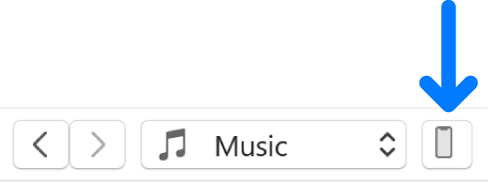
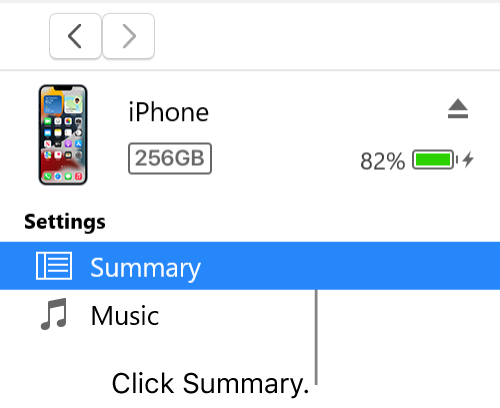
 on your PC, click the Device button near the top left of the iTunes window.