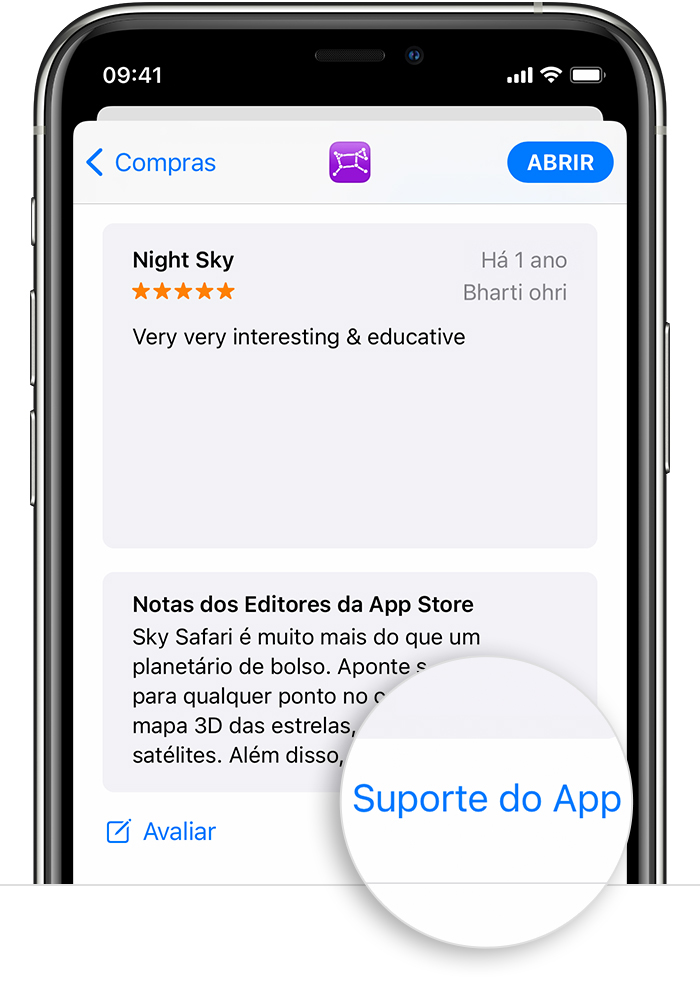
Segui sua sugestão e recebi resposta, que colo a seguir. Grato!
I have checked with the devs, and I would like to ask you to follow these steps exactly:
1 - Open Google Play store
2 - Locate GuitarTuna in your application list, and uninstall it.
3 - Restart your device.
4 - Open Google Play store
5 - Install GuitarTuna again
6 - Open Settings of your phone and go to Apps. Then select GuitarTuna from the list.
>>Very Important<<
7 - 1st - Clear Cache
8 - 2nd - Clear Data
9 - Make sure you are logged in with the same Google email you used to originally purchase the package. Then launch the app and wait for about 1-2 minutes; Tuna will automatically recognize your previous purchases.
I hope this helps!
Always happy to help,
Jayvee
Yousician Help Center: https://support.yousician.com/

 ou em sua foto na parte superior da tela. Em seguida, toque em Comprado, em "Não neste [dispositivo]" e no app.